How to Use

How to Use National Parks Weather

Know the odds before you go.

Here is how the Parks pages work.

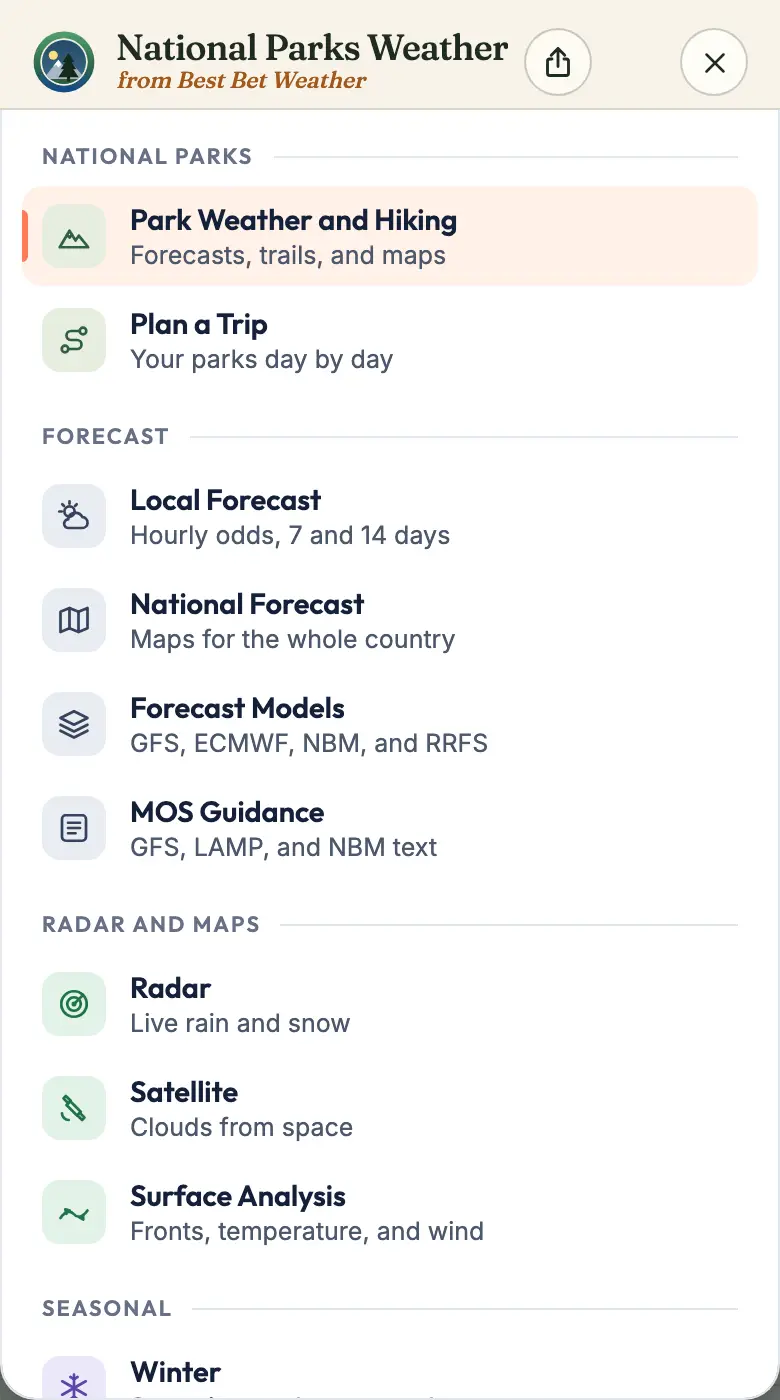
National Parks Weather menu with National Parks first and this guide under Help
Get Around

The Menu

Every page, Parks first.

  1. Open MenuTop right, on every view.
  2. National ParksPark Weather and Hiking, Plan a Trip.
  3. This GuideUnder Help in the menu.
  4. Light or DarkThe Dark button, or the menu.
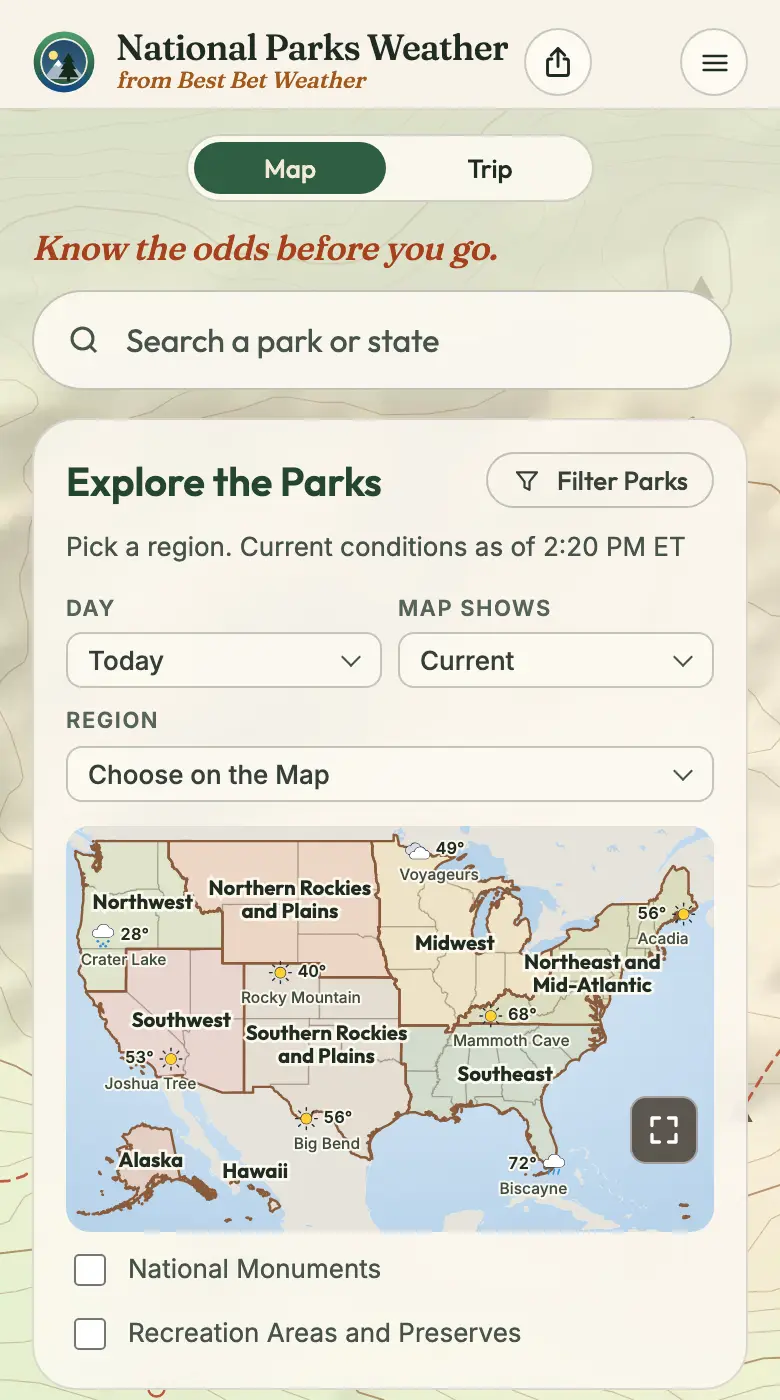
National Parks Weather: Park, Map, and Trip views, park search, and the region map
Get Around

Park, Map, and Trip

Three views, always up top.

  1. Park, Map, TripSwitch views at the top.
  2. SearchA park, monument, or state.
  3. Pick a RegionTap a region on the map.
  4. Filter ParksNarrow the list by distance.
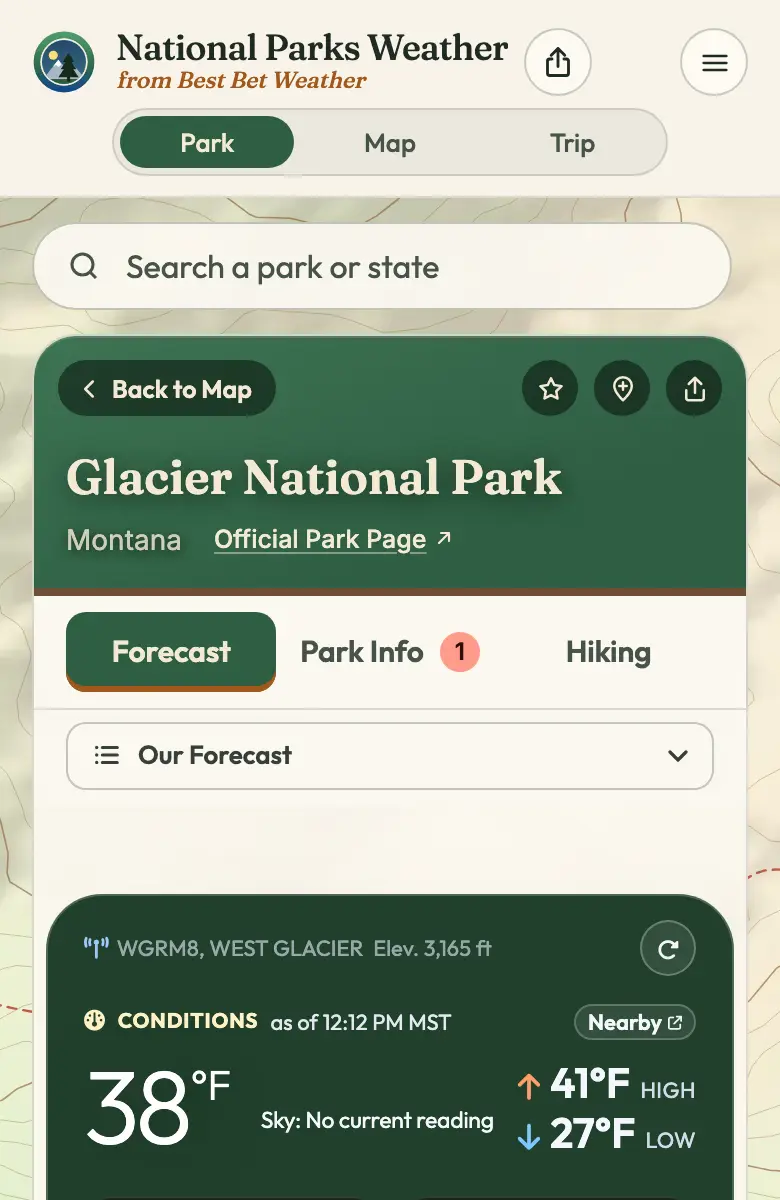
Glacier National Park page: Forecast, Park Info, and Hiking tabs, save and share buttons
A Park

A Park’s Page

Forecast, Park Info, and Hiking.

  1. Three TabsForecast, Park Info, Hiking.
  2. On This PageEvery section, all three tabs.
  3. SaveStar a park to keep it.
  4. ShareSend the park’s page.
  5. Add to TripPlan your days by park.
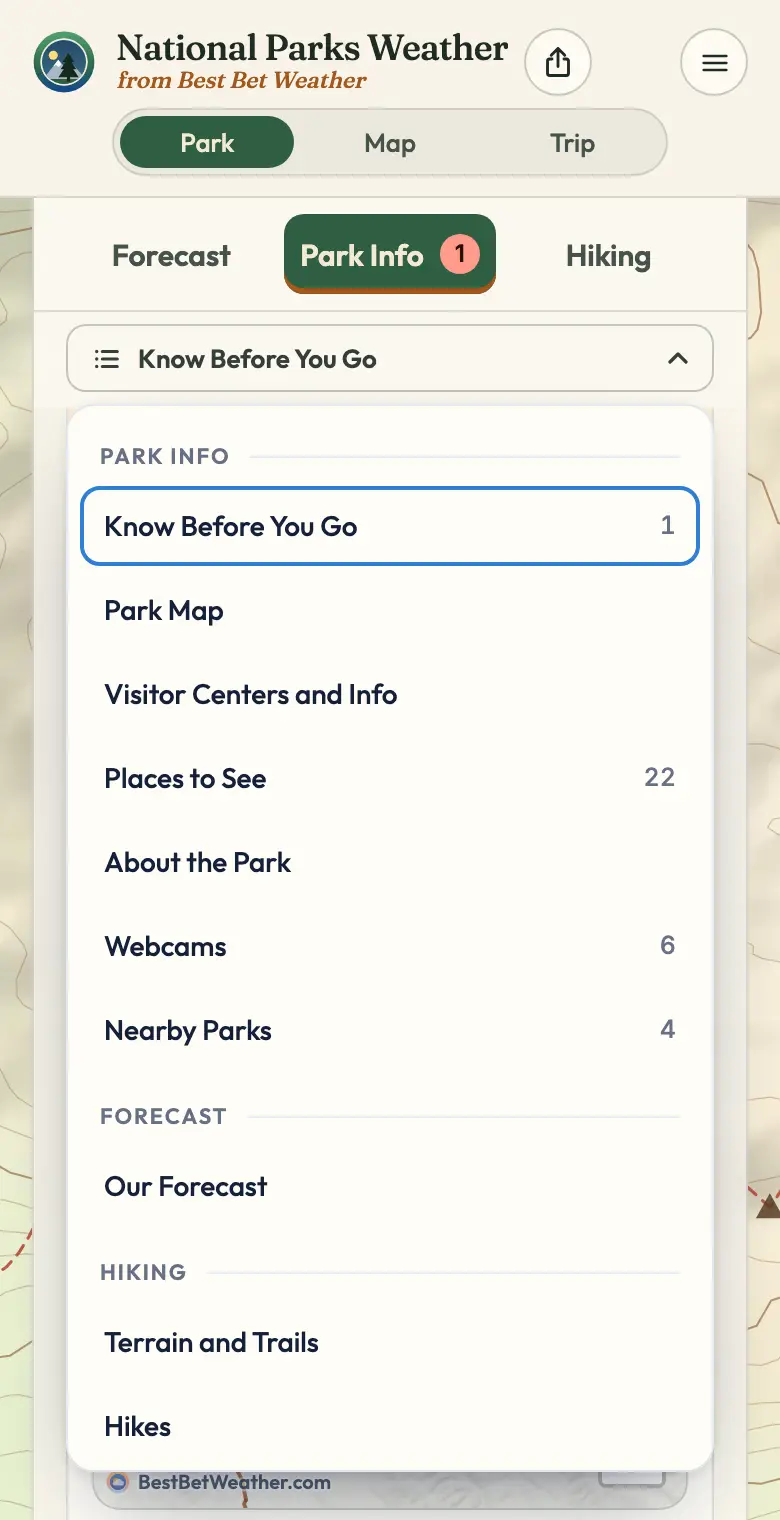
On This Page menu for a park: Park Info, Forecast, and Hiking sections
A Park

On This Page

One list for the whole park.

  1. Park InfoAlerts, map, hours, and more.
  2. ForecastOur forecast, elevation, month.
  3. HikingTrails, hikes, permits, camping.
  4. Pick a SectionIt switches tab and jumps.
A Park

What’s in Park Info

In this order, when a park has them.

  1. Know Before You GoClosures and alerts, first.
  2. Park MapWith Now, Today, Tonight.
  3. Visitor Centers and InfoVisitor centers today, entry, and permits.
  4. Places to SeeWith Sort and Filter.
  5. Ranger ProgramsPrograms this week.
  6. About the ParkPark Service weather notes.
  7. WebcamsLive park cameras.
  8. Junior RangerThe Junior Ranger program.
  9. Nearby ParksApproximate drive times and today’s high.
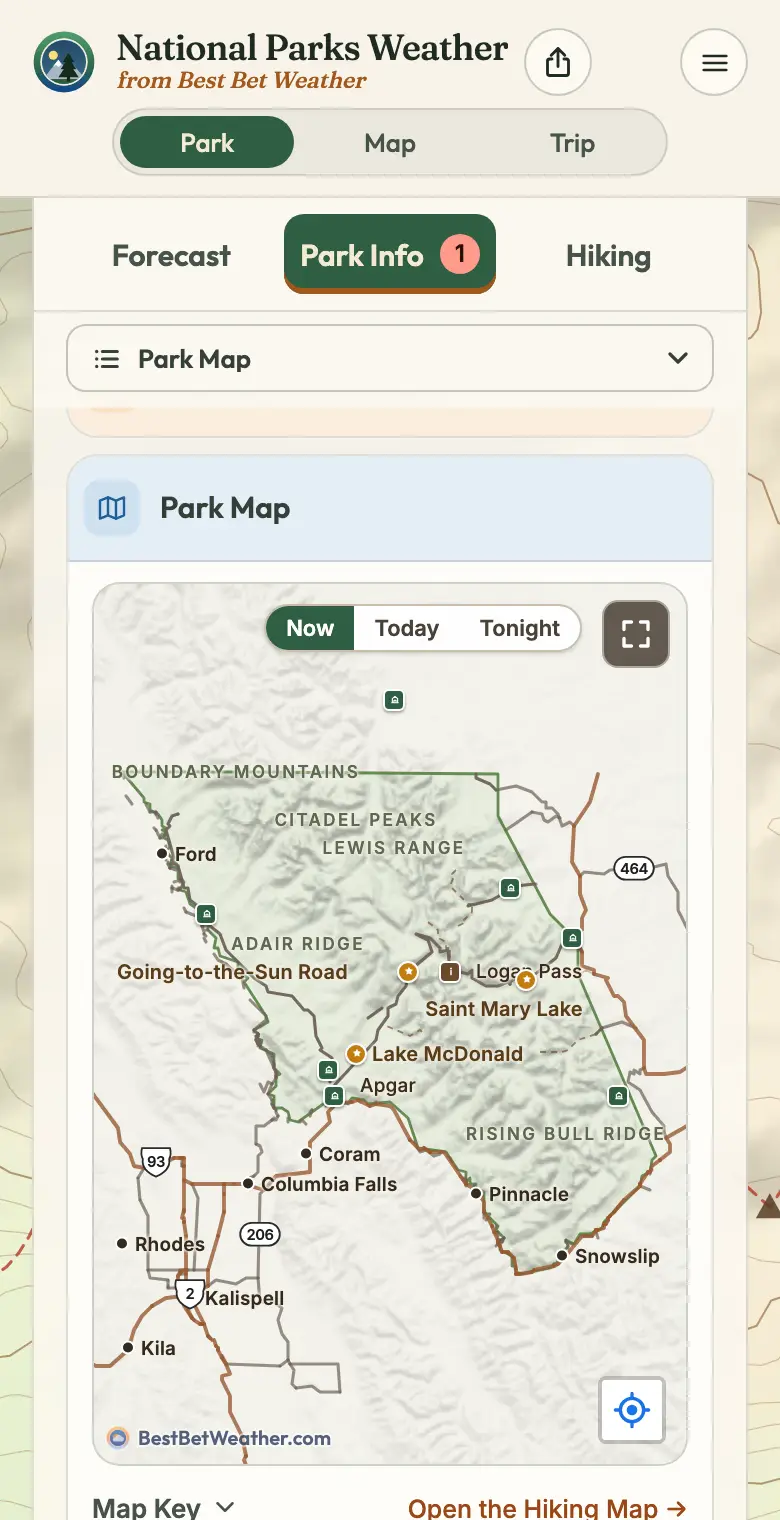
Park Map on National Parks Weather: Now, Today, Tonight, your spot, Map Key, and the Hiking Map link
A Park

Park Map

Now, Today, and Tonight.

  1. Now, Today, TonightSwitch the time on the map.
  2. Your SpotCenter the map on you.
  3. Map KeyUnder the map; pick what shows.
  4. Hiking MapOpen it from under the map.
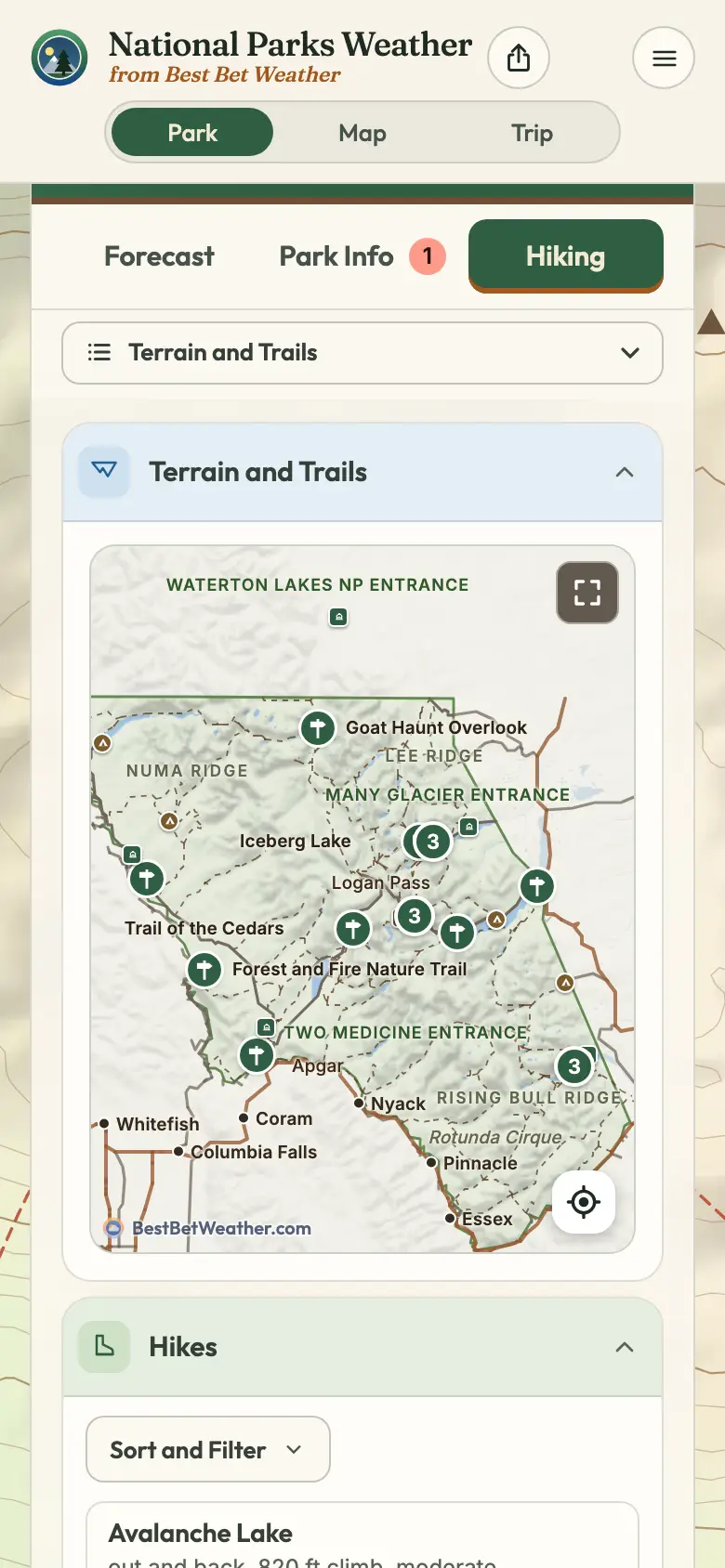
Hiking tab on National Parks Weather: Terrain and Trails map and the Hikes list
Hiking

Hiking

Trails, hikes, and camping.

  1. Hiking TabOn any park’s page.
  2. Terrain and TrailsThe Hiking Map.
  3. HikesWith Sort and Filter.
  4. Permits and ReservationsThen Camping, by campground.
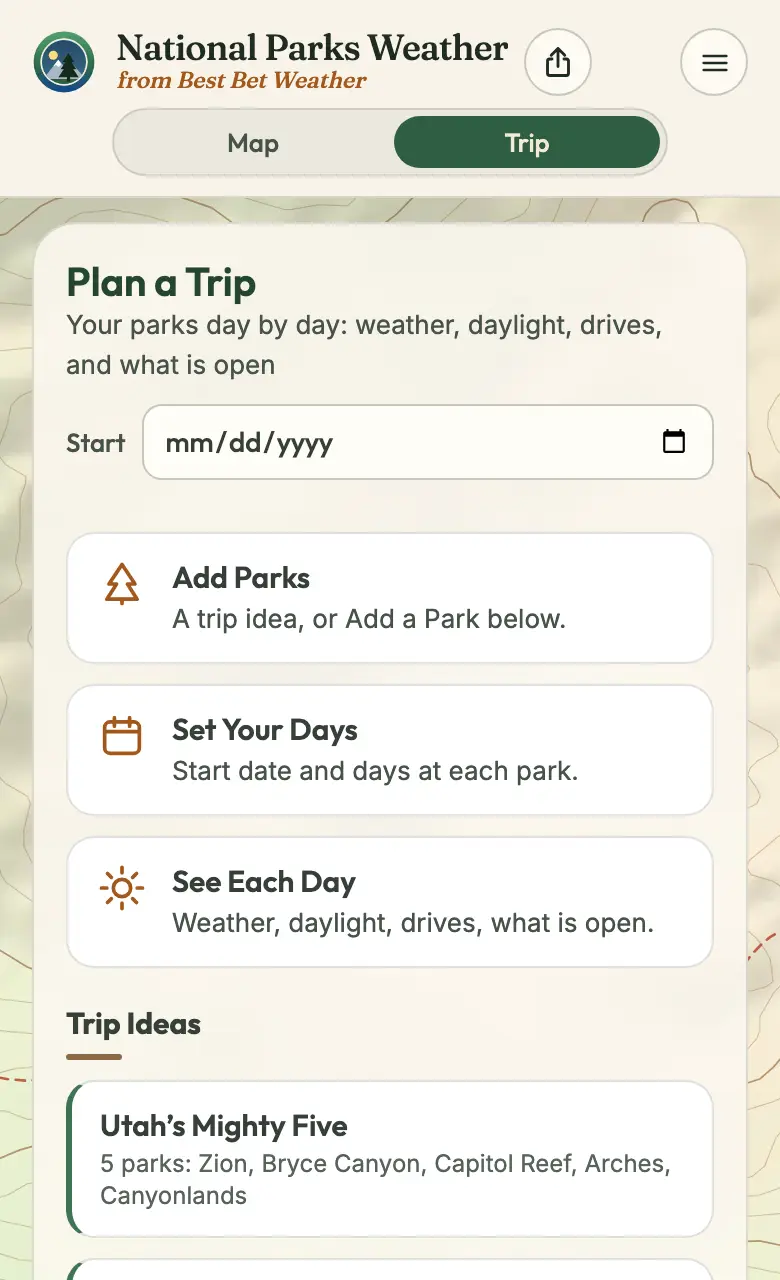
Trip view on National Parks Weather for planning parks day by day
Trips

Trips and Saved Parks

Your parks, day by day.

  1. TripAt the top of every view.
  2. Add a ParkThe trip button on its page.
  3. Each DayWeather, daylight, hours, camping.
  4. The DriveApproximate time, highest point, weather.
  5. Saved ParksThe star keeps a park.

The Whole Site

Forecasts, radar, and more.

Site Guide